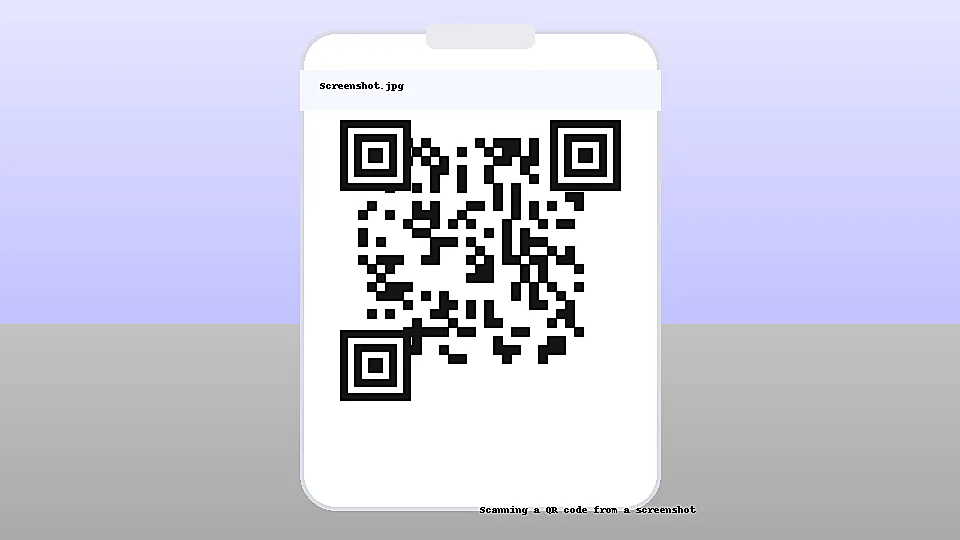
Yes. A QR code in a screenshot will scan as long as it is sharp, high-contrast, and keeps the white “quiet zone” border intact. Pro tip: On Android, open the screenshot in Google Photos and tap Lens to detect the link. On iPhone, open the screenshot in the Photos app or use the built-in Code Scanner from Control Center to read the QR.
QR codes encode data into a matrix of dark and light modules. Scanners detect three corner “finder” squares, read timing patterns, and decode the payload. A screenshot is just another image: if those patterns are preserved, your camera or reader can decode it like a printed code.
Dynamic QR codes typically point to a short URL that forwards to a destination. A screenshotted dynamic code still resolves the same link—so it will work—unless the owner disables the code, the link expires, or access is restricted. Tracking analytics will record scans from the screenshot like any other scan.
Most stock camera apps can’t read a code from the same device’s screen. Use a second device to scan, or a QR app that supports “scan from gallery” / “scan screenshot.”
Usually yes—if printed sharply and not distorted. Keep the quiet zone and adequate size (≥2 cm on each side for typical phones).
Upscaling can sharpen edges slightly but won’t restore lost detail. Try to get the original code or a higher-quality image.