Published October 17, 2025
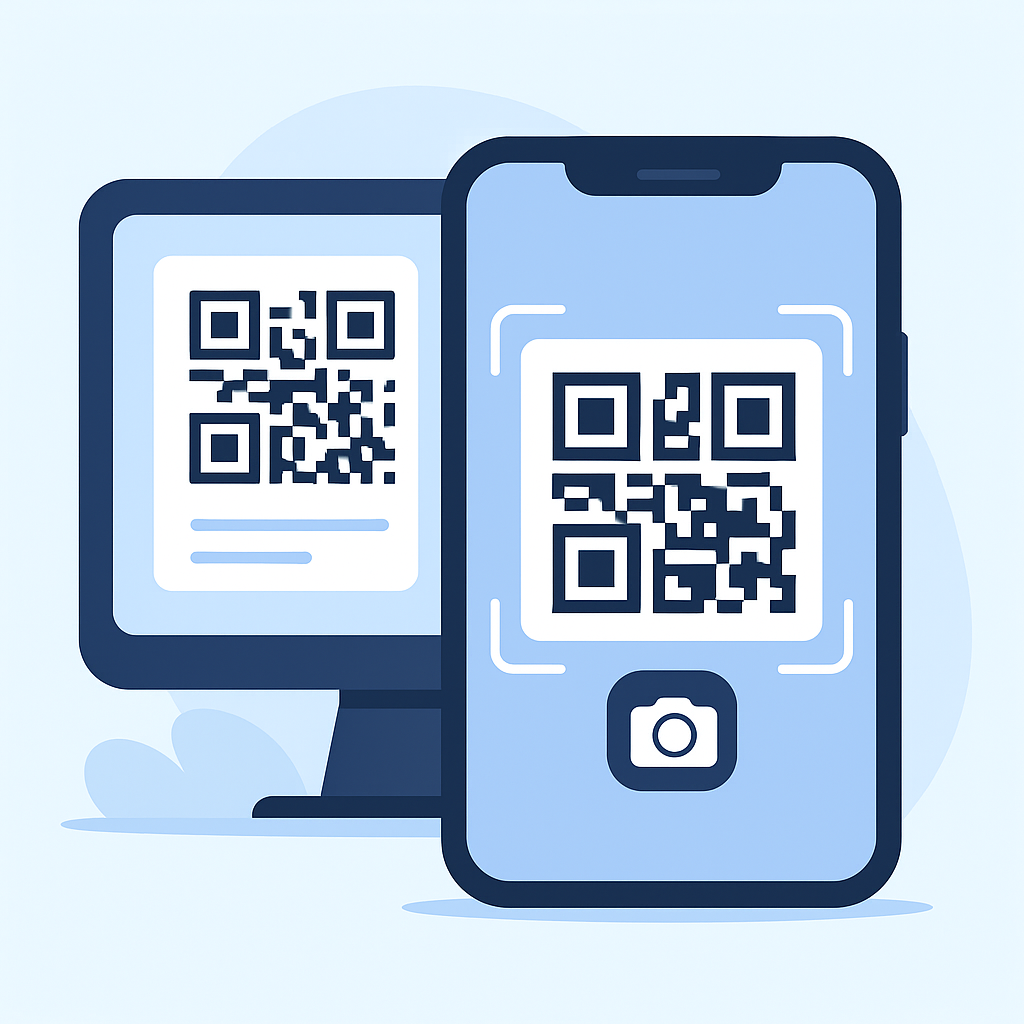
Many people wonder if a QR code can be scanned directly from an image or a screenshot instead of a printed version. The good news is yes — QR codes can easily be scanned from images using most smartphones and modern browsers.
QR codes are digital patterns that store data visually. Whether they’re on paper or on a screen, the pattern stays the same. When you open a QR scanner or your phone’s camera app, it detects this pattern and decodes it instantly.
Sometimes, scanning fails due to image quality or distortion. This can happen when:
In such cases, enhancing brightness or re-uploading a clearer version usually fixes the issue.
ZM Softwares lets you upload an image containing a QR code and decode it instantly without storing or tracking your data. It’s fast, secure, and completely free — perfect for scanning from screenshots or saved images.
Yes, QR codes can be scanned from any image — as long as the code is clear and undamaged. Tools like ZM Softwares QR Reader make this process simple and safe, whether on mobile or desktop.